 Threedy Documentation Portal
Setup new connection#
In Browser#
Click on
 .
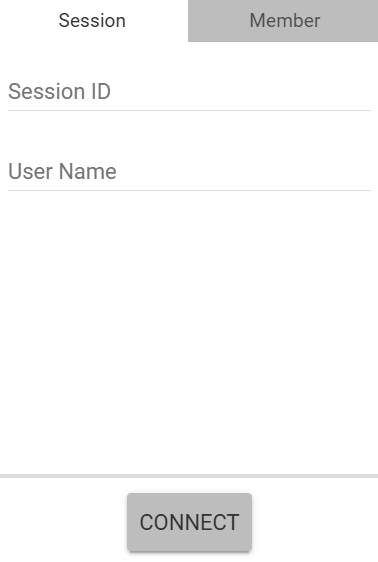
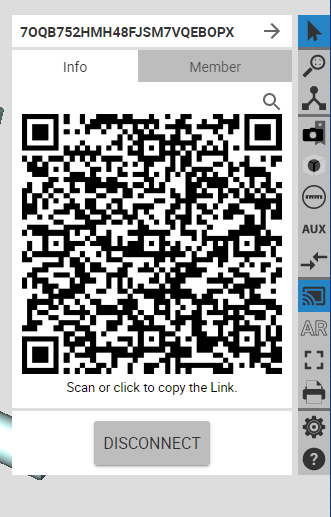
Press the “Connect” button. A QR code will appear.
On mobile device#
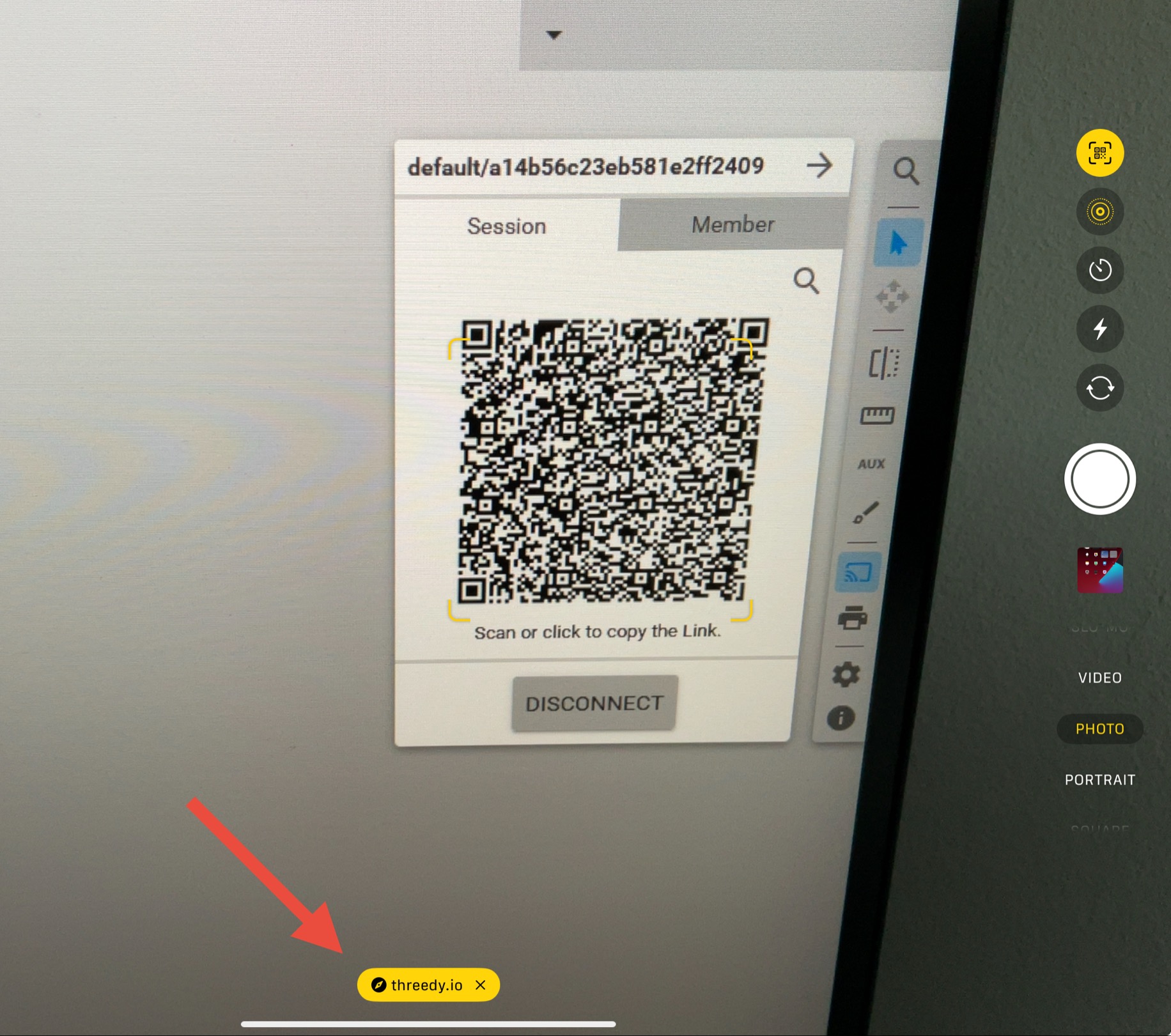
Open the camera. Scan the QR code and open the scanned link in a browser.
Click on the “AR”.
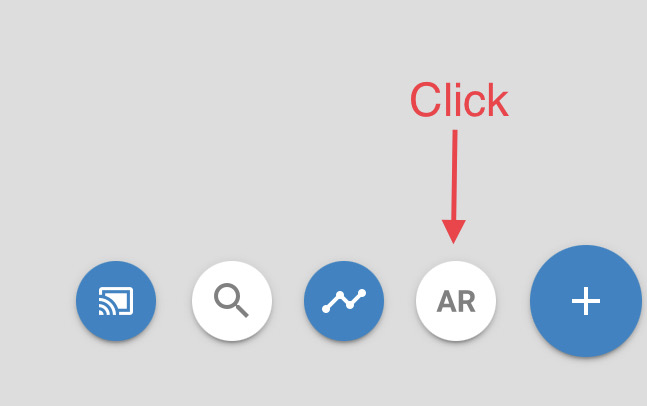
Click on
 .
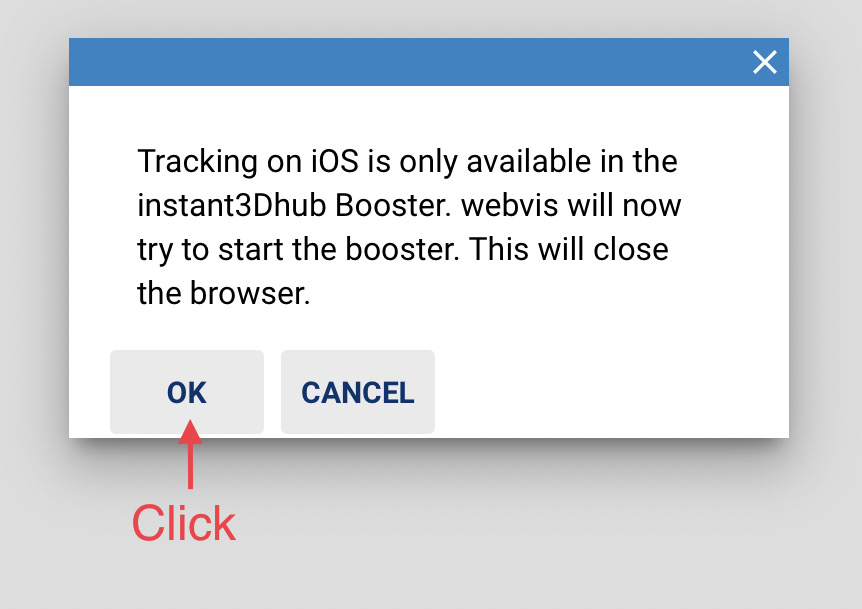
A prompt will appear and ask you to open the visualization in the instant3Dhub application. Click “OK”.