
 Threedy Documentation Portal
Object tracking#
In order to track an object using the loaded model, you have to align the model with the real-world object first. Therefore, make sure to have the “Star” icon  in the object tree selected for all the (sub-)modules you want to track.
Click on “AR”.
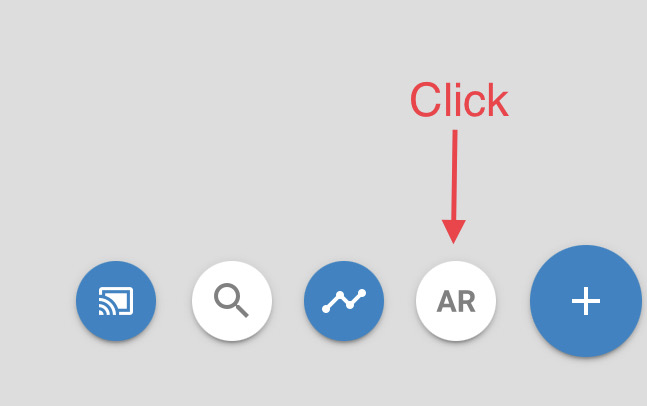
Click on
 .
Align the rendered model with the real-world object by scaling/rotating/translating it. When the application has detected sufficient correspondances it will snap the model to the real-world onbject.
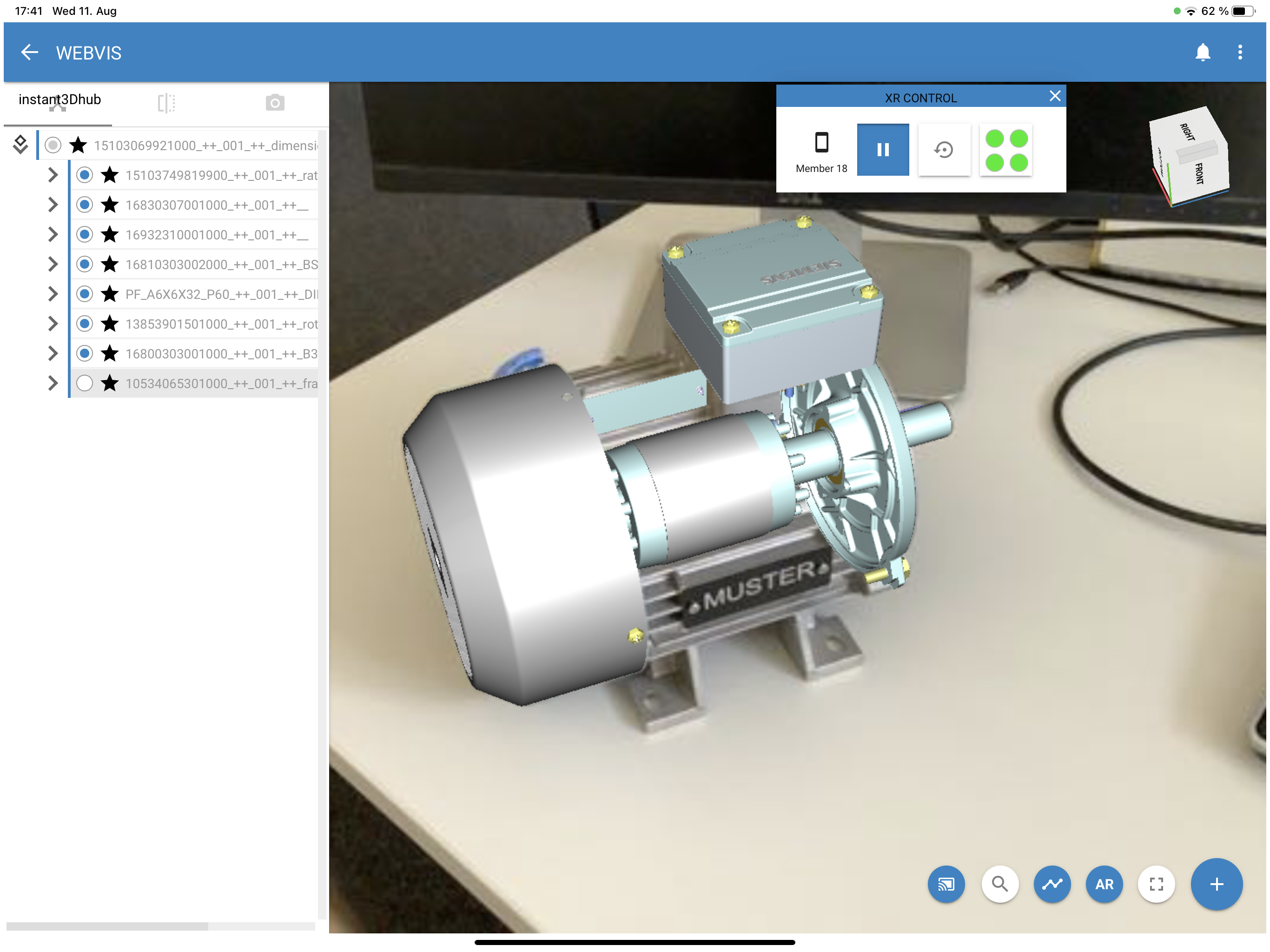
Model aligned with real-world object. The last submodule in the list is disabled.#
Pause stream#
You can pause the camera stream by pressing the  button. Click again to resume.
Reset stream#
You can also reset the tracking process by pressing the  button.
Soft reset tracking: By pressing the button, the tracking process will be reset. This is beneficial for re-aligning the model of low overlap / bad alignment.
Hard reset tracking: By long pressing the button. A hard reset can be used if repeated soft resets do not improve tracking quality.